
The plugin store
TermZ has an in-app plugin store for extending the app. Open it with the + button on the plugin dock.
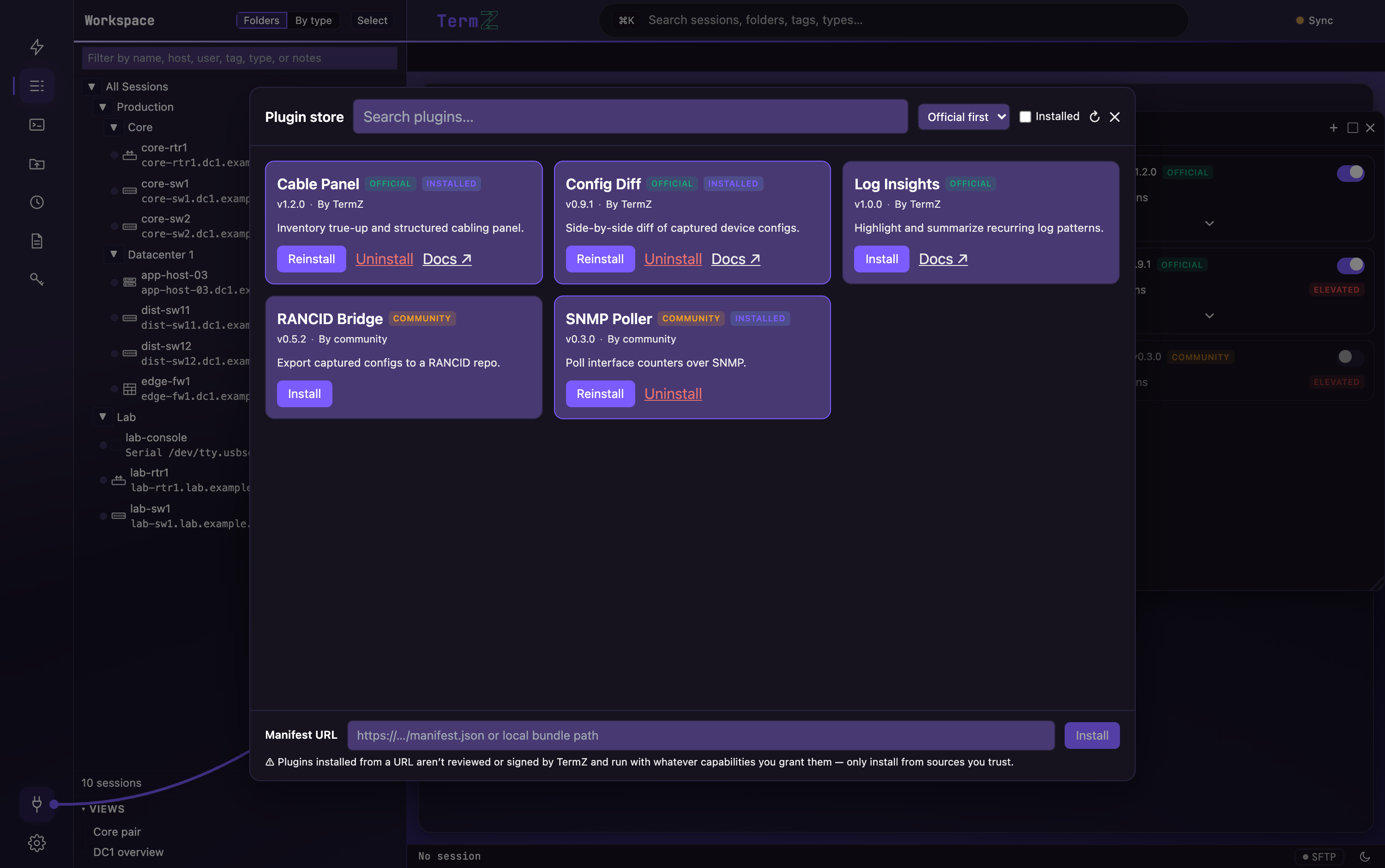
Browse and install
Section titled “Browse and install”- Browse the catalog of official plugins.
- Search by name and sort the results.
- Install in a click.
Safe by design
Section titled “Safe by design”Plugins run sandboxed and can only do what you grant them — see Trust & capabilities for how signing and permission grants work.
Beyond the store
Section titled “Beyond the store”You can also install from a manifest URL for plugins that aren’t in the store.