
Create a session
A session stores everything needed to connect to one host: the protocol, address, username, and auth choice.
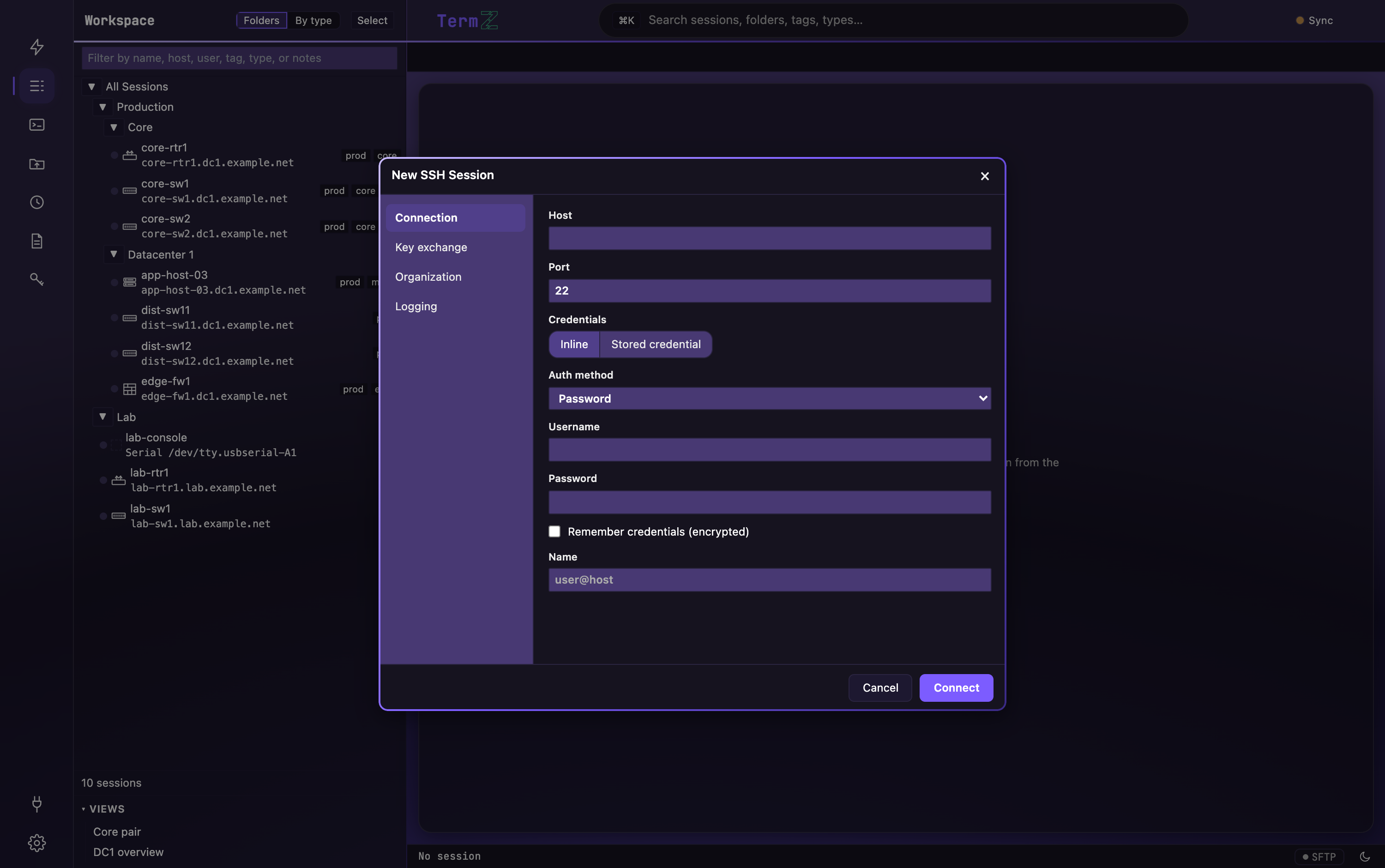
Start a new session
Section titled “Start a new session”Open the New session picker from the top of the activity rail, or press ⌘/Ctrl+K → New session.
Choose a connection kind:
- SSH — encrypted remote shell. See SSH for auth and algorithm options.
- Telnet — legacy devices and consoles (unencrypted).
- Raw TCP — a bare socket to any host and port.
- Serial — console-cable access; pick the port and baud/parity/stop-bit settings.
- Local shell — your machine’s shell, in the same fast terminal as remote sessions.
Enter connection details
Section titled “Enter connection details”Fill in the host and username (and port, if it isn’t the protocol default). Then pick an auth method:
- Password — typed now or saved into the vault.
- Key file — point at a private key; encrypted keys prompt for the passphrase.
- Saved credential — reuse a named credential from the vault across many sessions.