
Named credentials
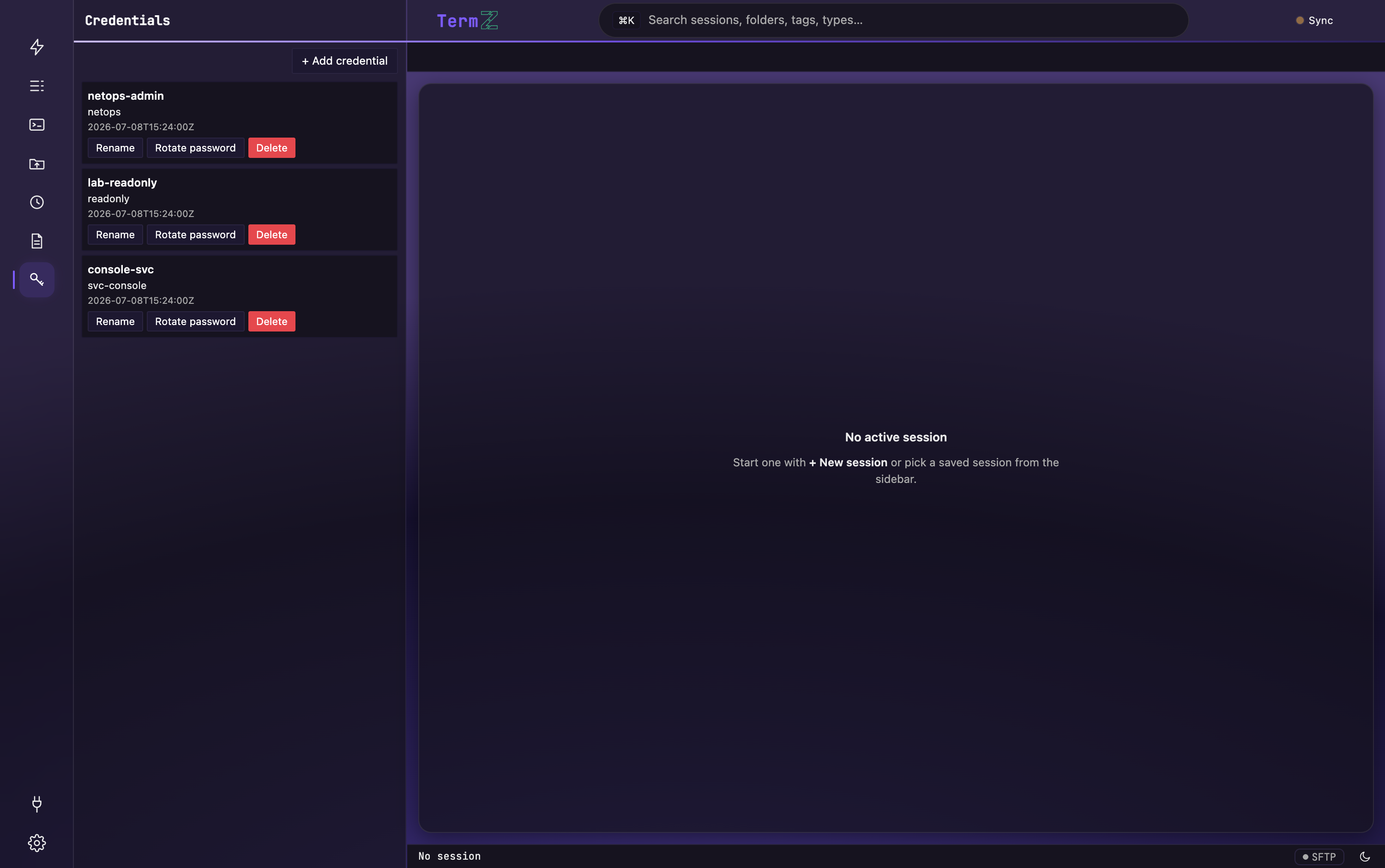
The Credentials view (in the activity rail) is a library of named credentials your sessions share. Instead of storing a secret inside each session, a session links to a credential by name — so a secret lives in exactly one place. A credential can be a username + password or an SSH private key.
Credential types
Section titled “Credential types”- Password — a username and a password.
- SSH key — an SSH private key you import once (paste it, or load it from a file), with an optional passphrase. Once stored, you pick a key credential for any SSH session exactly the way you pick a saved password: there’s a single Stored credential list spanning both types, each tagged by kind.
The private key and its passphrase are encrypted at rest in the vault. If you choose not to save the passphrase, TermZ prompts for it once at connect time.
Manage credentials
Section titled “Manage credentials”From the Credentials view you can:
- Add a credential — a username + password, or an imported SSH key.
- Rename a credential.
- Rotate a credential — replace its secret (or key) in place.
Sessions link by name
Section titled “Sessions link by name”A session references a credential by its name — the credential field you’ll see when you import sessions. It works the same whether the credential is a password or an SSH key: set it to the name of a credential that already exists, and the session uses it.
Sync & device-only keys
Section titled “Sync & device-only keys”Stored credentials — including SSH keys — travel with cross-device sync, encrypted end-to-end and stored with no filesystem paths, so a key imported on macOS works as-is on Windows. Each key also has a device-only toggle to keep it out of sync and on a single machine.
Related
Section titled “Related”- The credential vault — how these secrets are encrypted at rest.
- SSH — choosing a stored credential for a session.